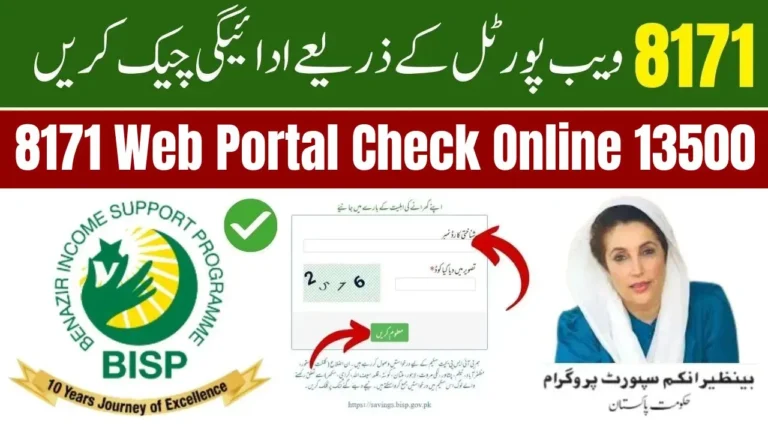
BISP 8171 ATM Withdrawal 2025 – Complete Step-by-Step Guide to Get Your Payment Instantly
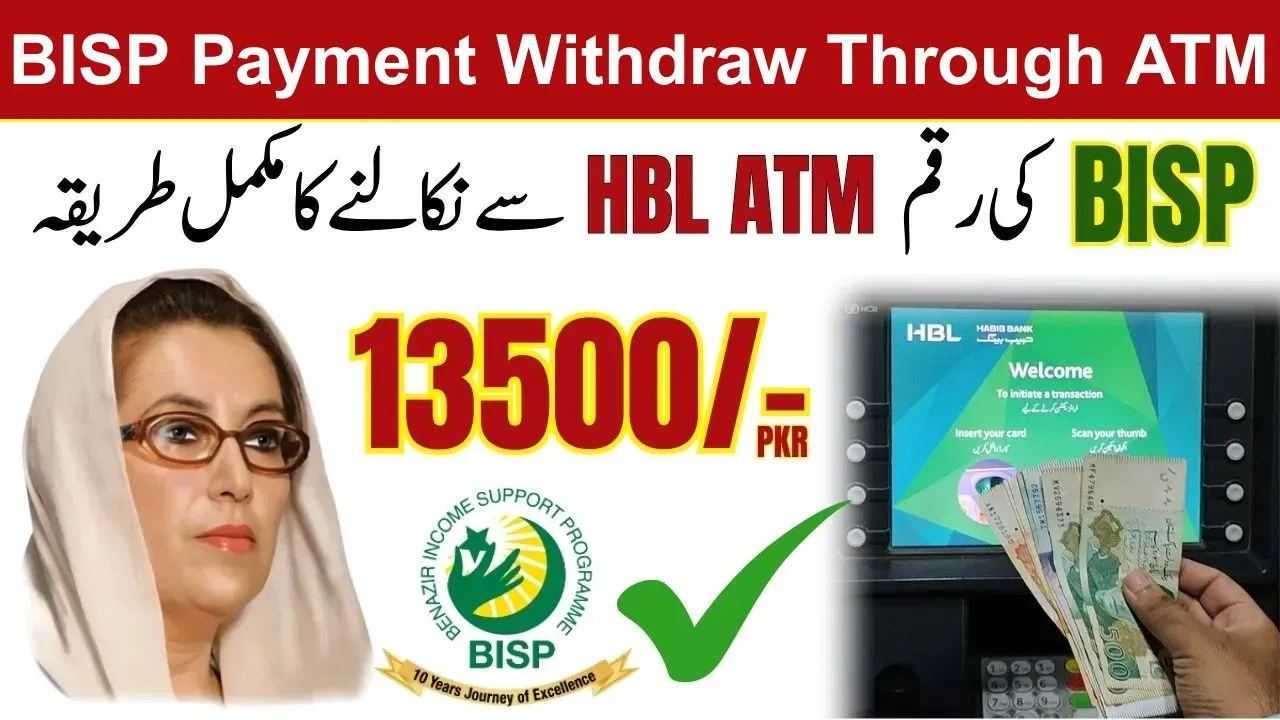
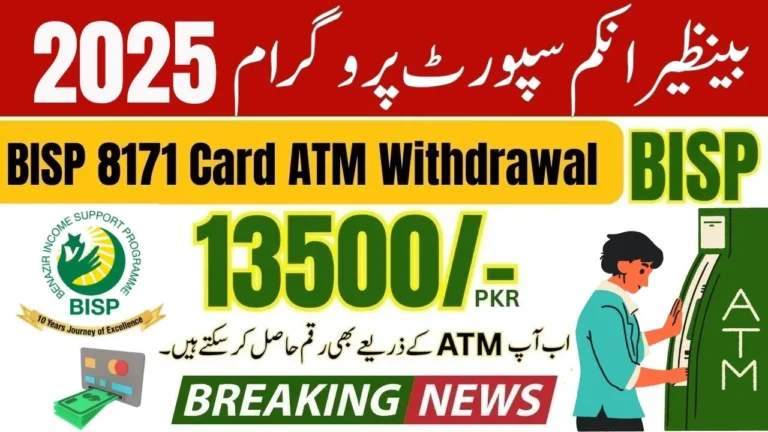
The Benazir Income Support Programme (BISP) has introduced a convenient ATM withdrawal system for 8171 payments in 2025, making it easier for beneficiaries to access their funds instantly. With HBL and Bank Alfalah ATMs supporting biometric and digital verification, female beneficiaries can now withdraw their payments without visiting a branch or relying on retailers.
In this comprehensive guide, we explain how to withdraw BISP 8171 payments from ATMs, the banks supporting the service, common issues, and tips.
Which Banks Support BISP 8171 ATM Withdrawals in 2025?
Currently, the ATM withdrawal service for BISP 8171 is available at:
- Habib Bank Limited (HBL)
- Bank Alfalah
These banks support biometric verification and the official BISP/8171 payment system, allowing beneficiaries to withdraw payments safely and instantly.
Note: Not all ATMs support BISP withdrawals. Always check for the BISP or Biometric Withdrawal logo on the ATM screen before proceeding.
 WhatsApp Channel
Step-by-Step Guide to Withdraw BISP 8171 Payments from ATMs
Follow these steps to get your BISP 8171 payment instantly and safely:
Step 1: Find a Supported ATM
- Visit the nearest HBL or Bank Alfalah ATM.
- Ensure the ATM displays BISP / 8171 or Biometric Withdrawal.
- Avoid using ATMs without this option, as transactions may fail.
Step 2: Select the BISP Option
- Tap BISP / 8171 on the ATM screen.
- This option will start the government cash withdrawal process.
Step 3: Enter Your CNIC
- Input your 13-digit CNIC number without dashes.
- The CNIC must belong to the registered female beneficiary.
- Double-check the number to avoid errors.
Step 4: Biometric Verification
- Place your thumb or finger on the biometric scanner.
- Make sure your finger is clean and dry for accurate scanning.
- Follow the on-screen instructions carefully to complete verification.
Step 5: Check Balance & Withdraw
- The ATM will display your available balance.
- Select Cash Withdrawal to get your payment instantly.
Step 6: Collect Cash & Receipt
- Take your cash carefully.
- Always keep the transaction receipt as proof.
- Remember, BISP ATM withdrawals are free of charge.
Important Tips for Smooth ATM Withdrawal
- Use only authorized ATMs to avoid transaction errors.
- Keep your CNIC ready before visiting the ATM.
- Ensure your finger is clean and dry for successful biometric verification.
- Check your available balance before withdrawal.
- Avoid peak hours to reduce waiting time.
Common Issues and Their Solutions
| Issue | Possible Cause | Solution |
| CNIC not recognized | CNIC not updated in BISP system | Visit nearest BISP office to update CNIC |
| Biometric verification fails | Dirty finger or scanner error | Clean finger or try another ATM |
| Cash not dispensed but deducted | Technical glitch | Contact bank helpline and keep receipt |
| ATM out of service | Maintenance or cash shortage | Try another nearby ATM |
| Payment shows “Pending” | Bank verification incomplete | Confirm account status with bank/BISP |
Who Can Withdraw Payment Through ATM
Many people ask whether they can withdraw payment through ATM or they need to go to a special BISP payment camp. The answer depends on your registration type.
You can withdraw payment through ATM if:
- Your BISP Kafalat account is activated.
- Your CNIC is biometrically verified.
- Your bank channel is working with BISP in your area.
- You have a functioning ATM card or biometric ATM option is available.
If your fingerprint does not match or your card is blocked, then you may have to visit a BISP office, but usually this is rare in 2025.

Conclusion
The BISP 8171 ATM withdrawal system 2025 makes accessing your government payments easier, faster, and secure. By following this complete guide, beneficiaries can withdraw their payments instantly at HBL or Bank Alfalah ATMs with minimal hassle.
Remember: always use authorized ATMs, keep your CNIC ready, and ensure your biometric is clean. This ensures a smooth withdrawal and safe access to your funds.
With this method, your BISP 8171 payment is instantly available at your fingertips!
BISP 8171 ATM Withdrawal FAQs (2025)
1. Which ATMs support BISP 8171 withdrawals?
Only HBL and Bank Alfalah ATMs with BISP/8171 or biometric options.
2. Can I withdraw if my CNIC is not updated?
No, your CNIC must be active and verified in the BISP system.
3. Do I need biometric verification for every withdrawal?
Yes, thumb or finger verification is mandatory for security.
4. Is there any fee for BISP ATM withdrawals?
No, all BISP ATM withdrawals are free of charge.
5. What should I do if the ATM does not dispense cash?
Keep your receipt and contact the bank helpline immediately.